
Get a BrightSign® player on your Xibo® network
Copy the files onto one SD card and you're live in minutes. Every new device includes a 14-day free trial of the full software.
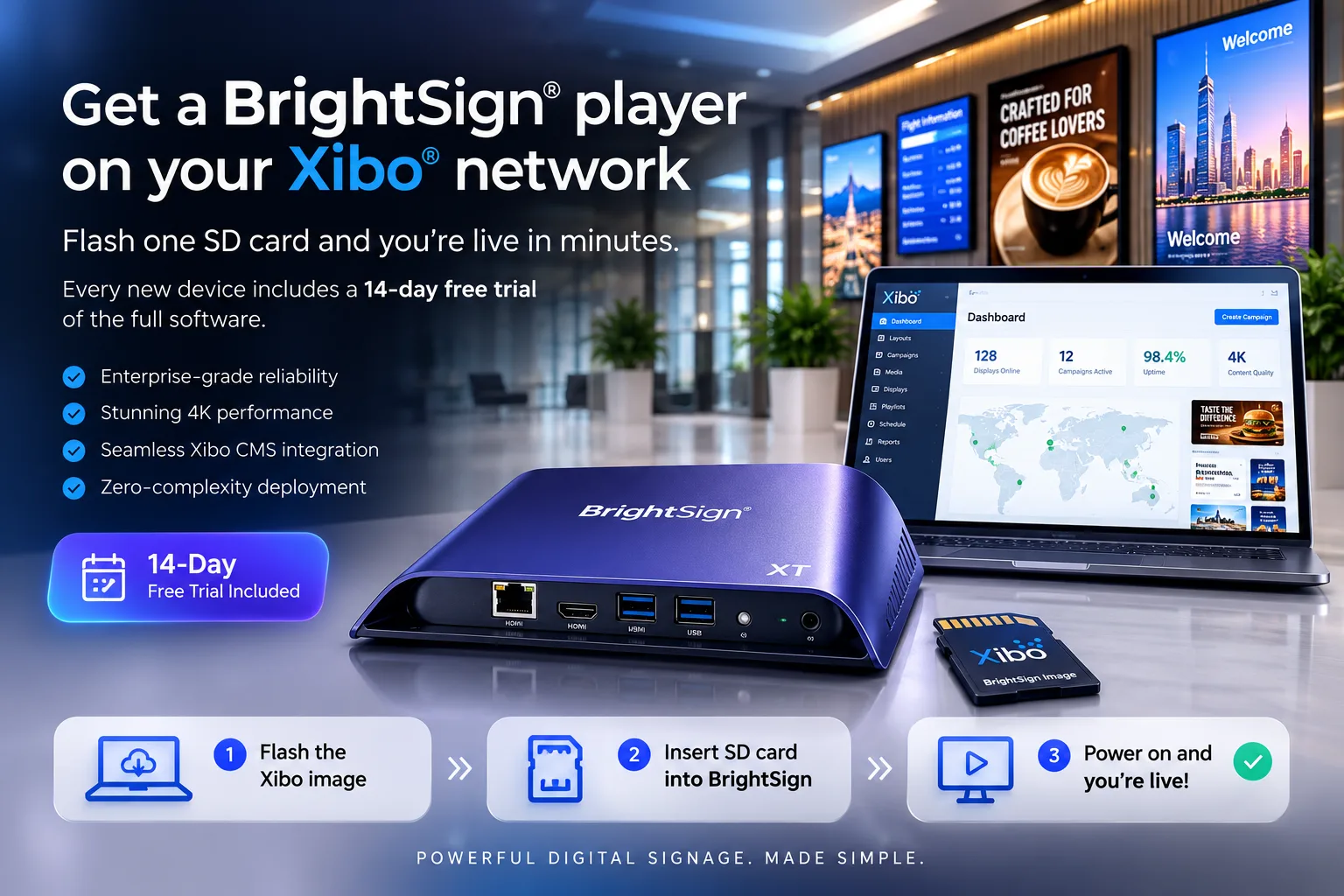
BrightSign® player packages
For XT / XD / HD / LS series. Extract onto an SD card, boot, and point it at your Xibo® CMS.
- Download
Xibo_Brightsign_Xiplay_2026-07-17_release_v1.zip
3.4 MB
Verify each package's SHA-256 against the published value before copying it onto a card.
Setup & deployment guide
From a blank SD card to a live screen on your Xibo® network: activation, CMS pairing and licensing, step by step.
Supported players
| XT series | Flagship: 4K, HDMI-In, genlock video walls |
| XD series | 4K playback and interactivity |
| HD series | Full-HD workhorse for everyday signage |
| LS series | Entry-level looping and basic scheduling |
HDMI-In, 4K and genlock video walls depend on the model. Not sure which player fits? Ask us.
What's in the package
- ✓The XiPlay player software
- ✓Xibo® XMDS client (v3 & v4)
- ✓Offline cache & self-healing watchdog
- ✓Full widget & video-wall rendering
- ✓On-screen activation + diagnostics
You'll need
- •A BrightSign® player (XT/XD/HD/LS)
- •A class-10+ SD card (16 GB+)
- •Network access to your Xibo® CMS
- •An XiPlay account for licensing
Deployment guide
- 1
Download the package
Grab the latest XiPlay package (.zip) below and verify its SHA-256 against the published value.
- 2
Copy onto the SD card
Extract the .zip and copy its contents to the root of a class-10+ SD card. No flashing or imaging tool needed.
- 3
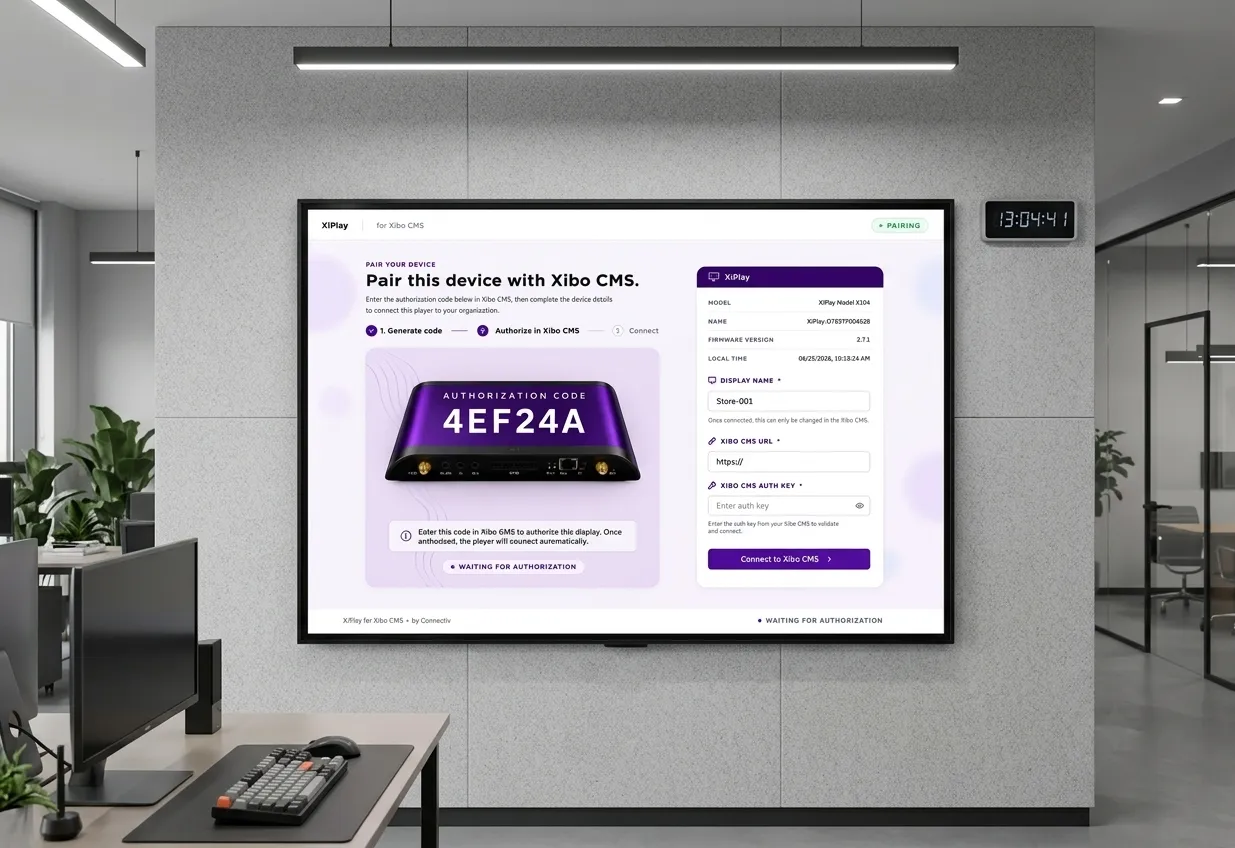
Power on & pair
The player boots, shows its activation screen with its MAC, and starts a 14-day full-feature trial.
- 4
Connect to Xibo® & claim
Point it at your Xibo® CMS, then claim the device by its MAC in the portal and assign a license when ready.
Air-gapped site? We issue a signed offline license file so restricted networks activate without phoning home. Ask us how.
Ready to light up your screens?
Start a 14-day free trial: every feature, no card required.